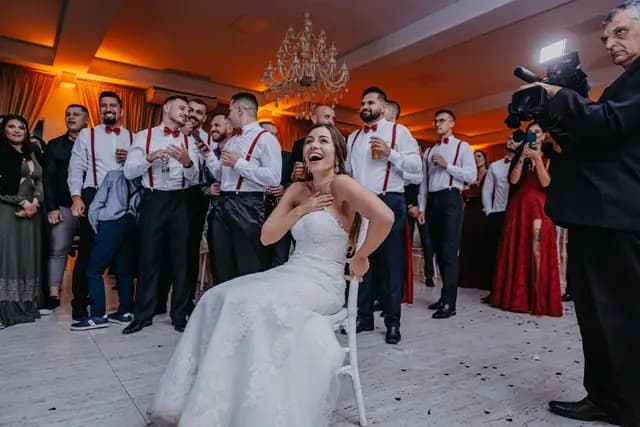
For weddings and celebrations
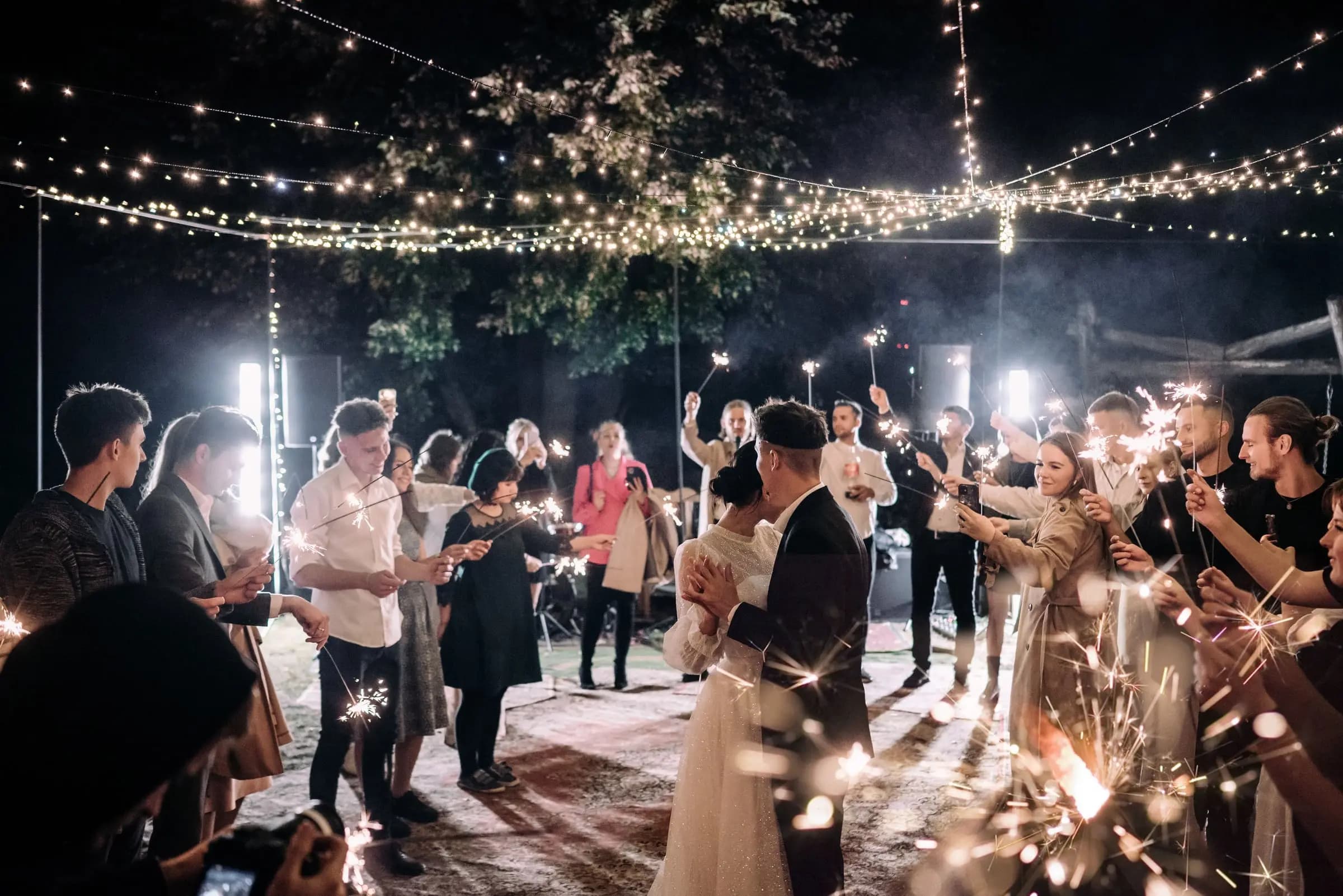
Every guest. Every moment.One beautiful gallery.
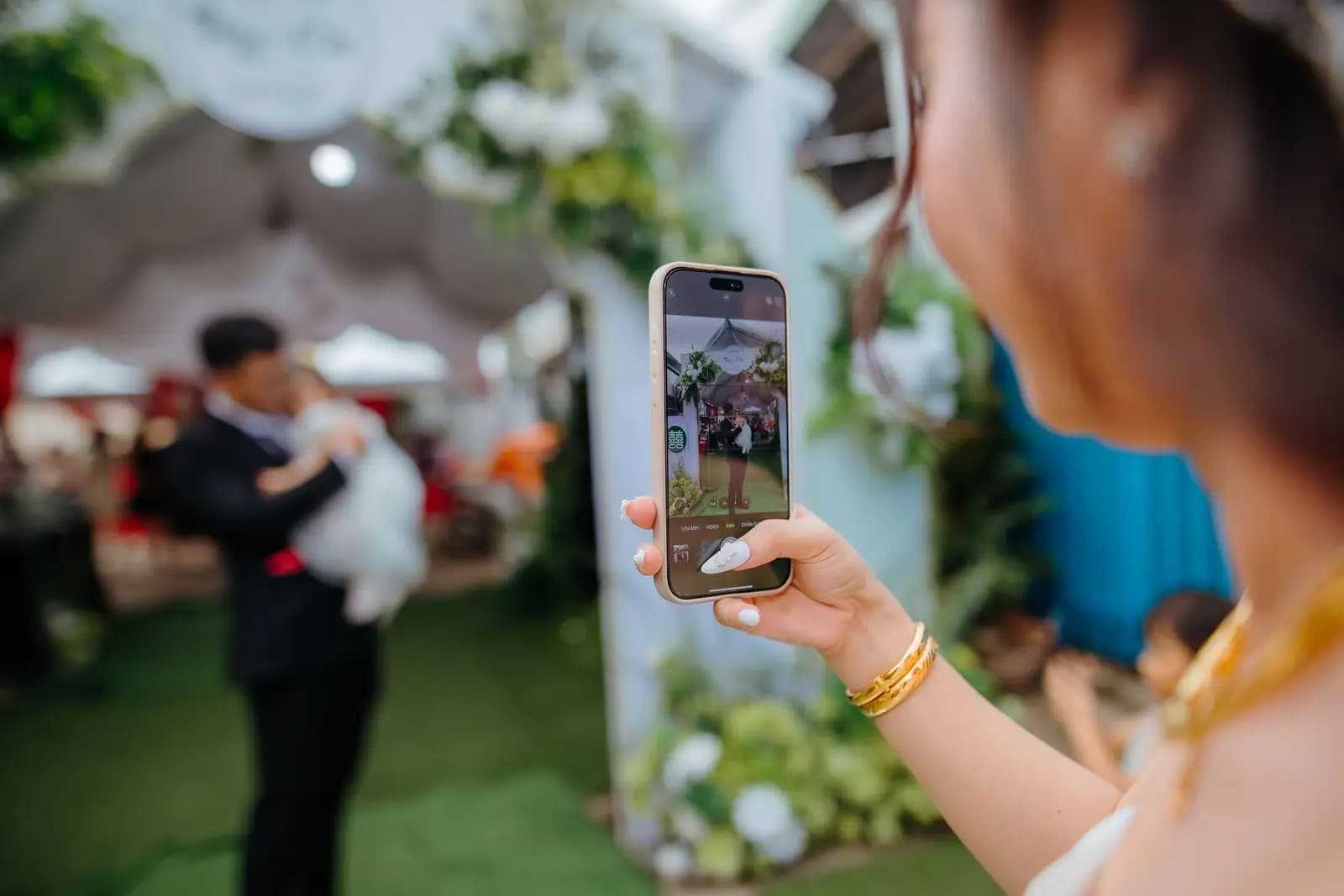
Your guests scan a QR code and their photos land in one shared gallery. No app, no sign-up.

- No app for guests
- Two minutes to set up
- One payment, no subscription
How it works
Set it up in the time it takes to make coffee. Your guests do the rest.
- 01
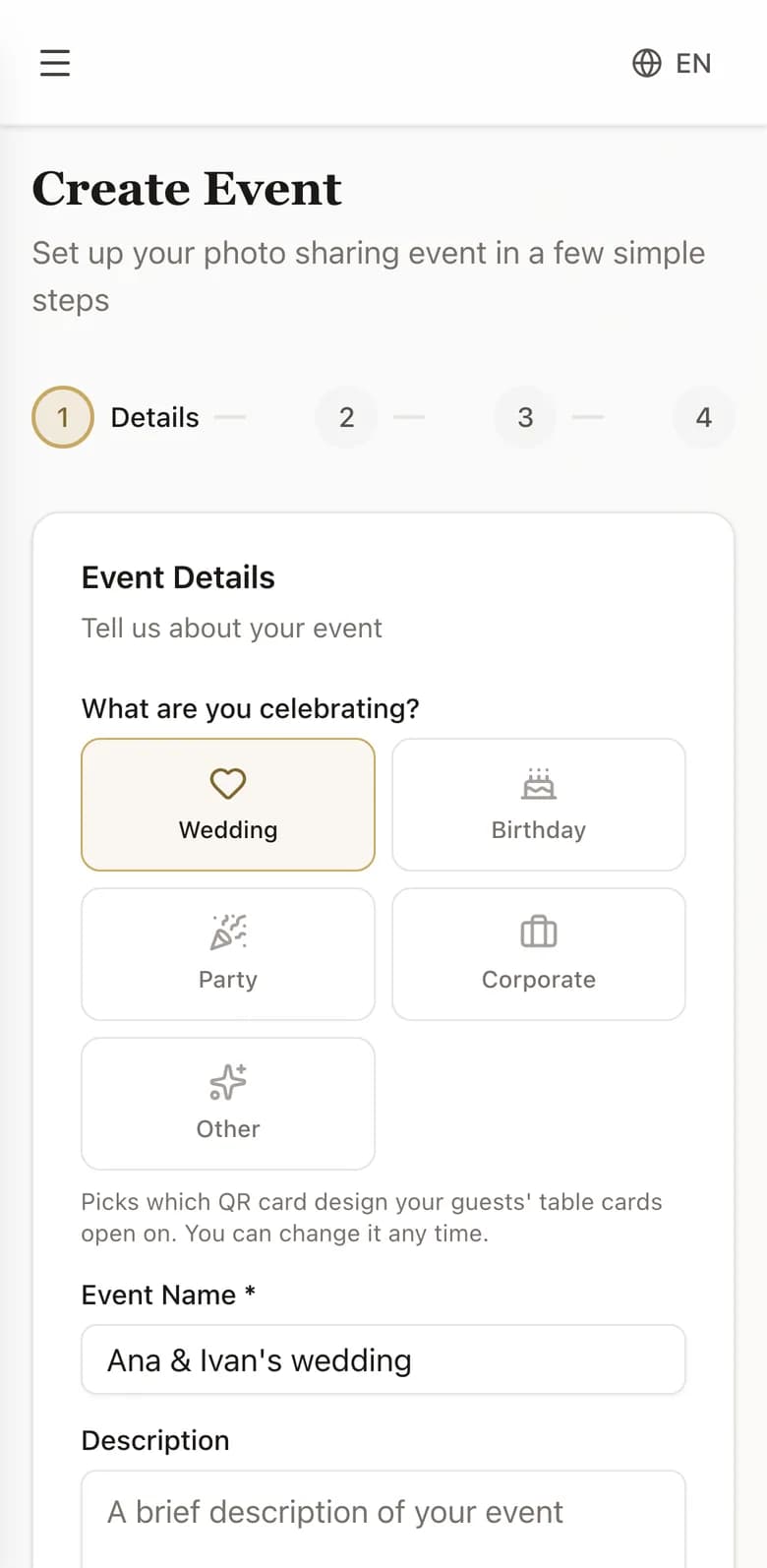
Create your event
Name it, pick the date, choose how long guests can add to it. About two minutes, start to finish.
- 02
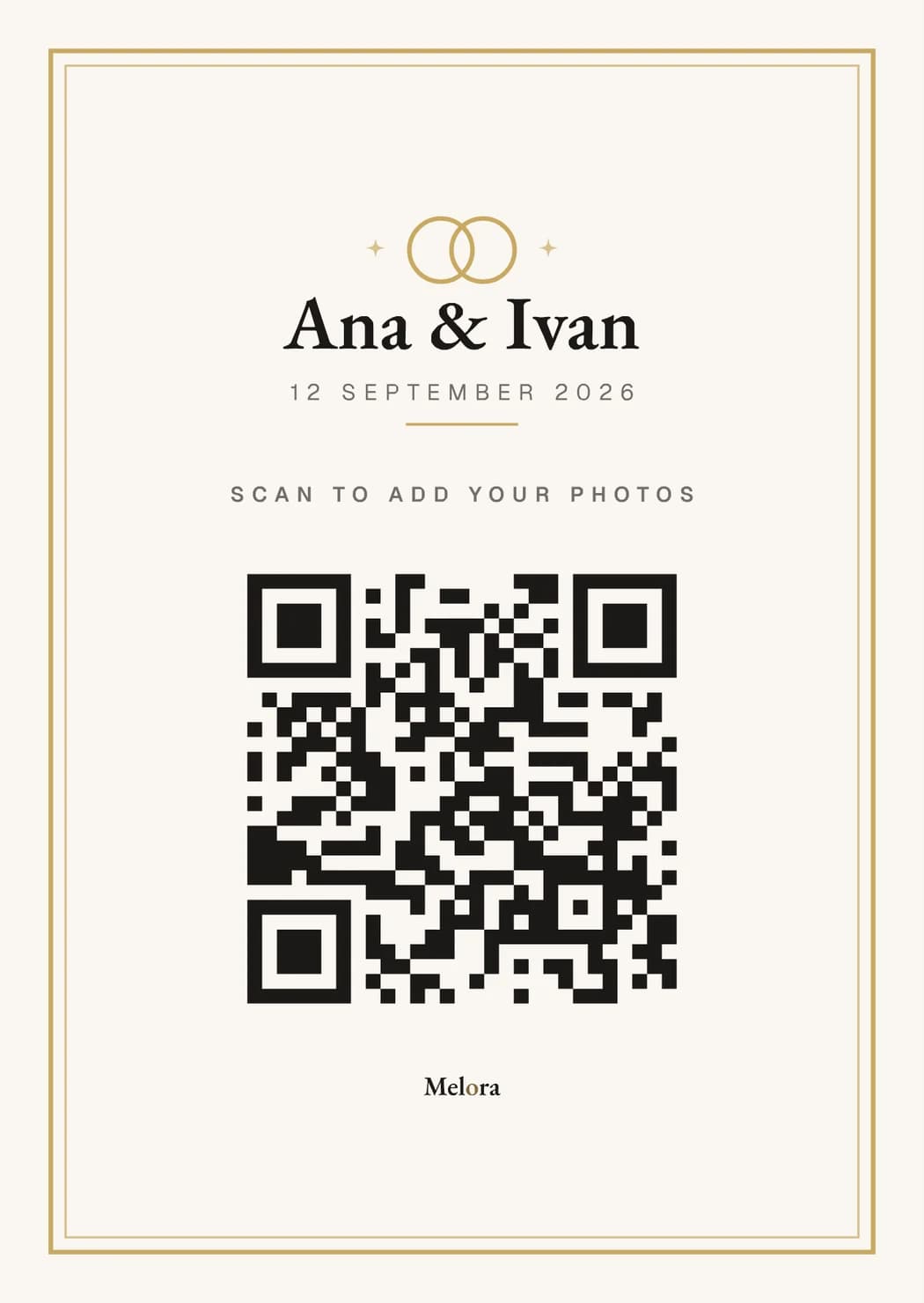
Put the QR code out
Print it for the tables, add it to the invitations, or show it on a screen. Guests scan with the camera app they already have.
- 03
Watch it fill up
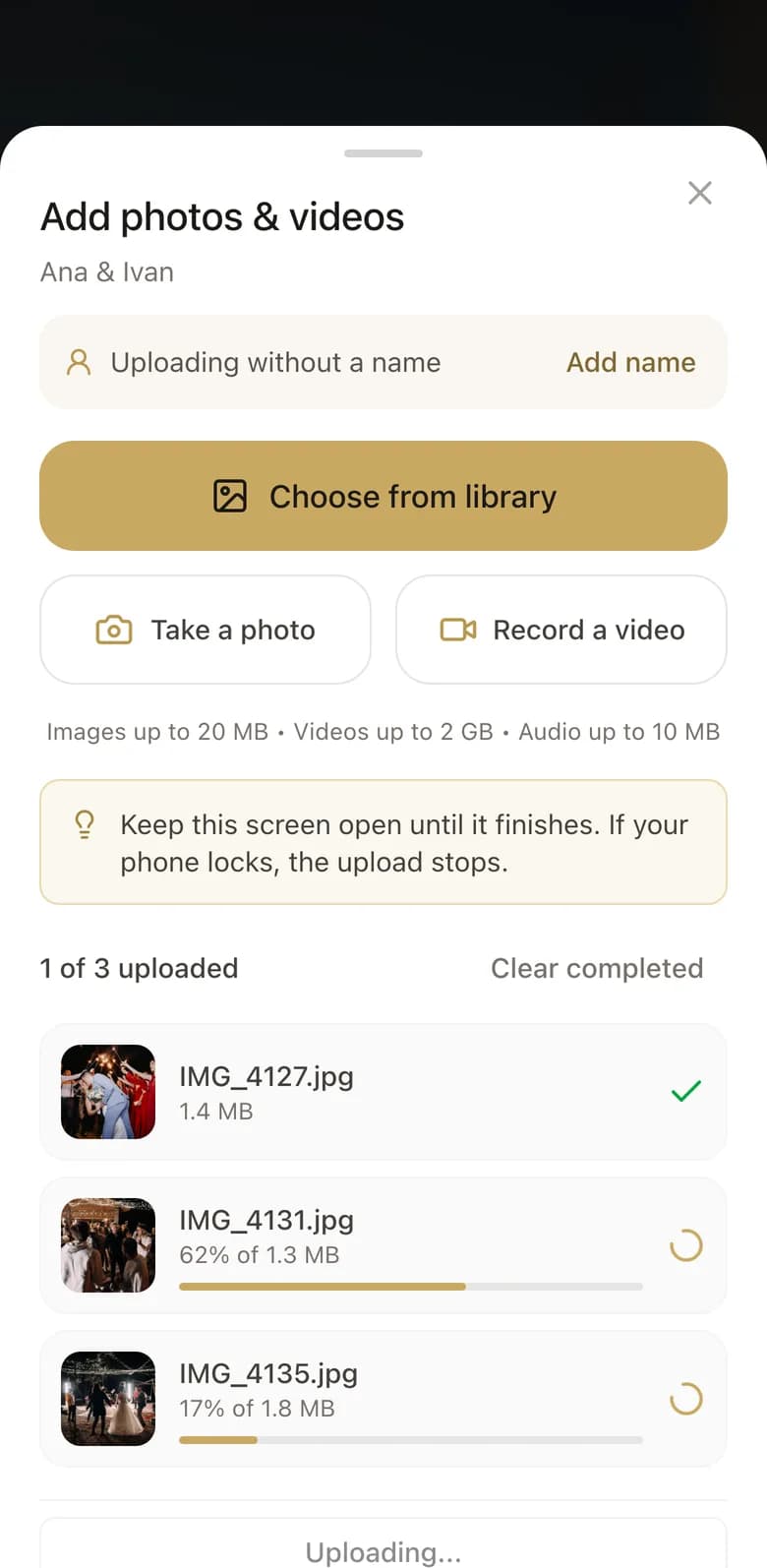
Photos and video appear as they are taken. Approve what goes in, then download everything in one click.
A real gallery
This is what your guests see
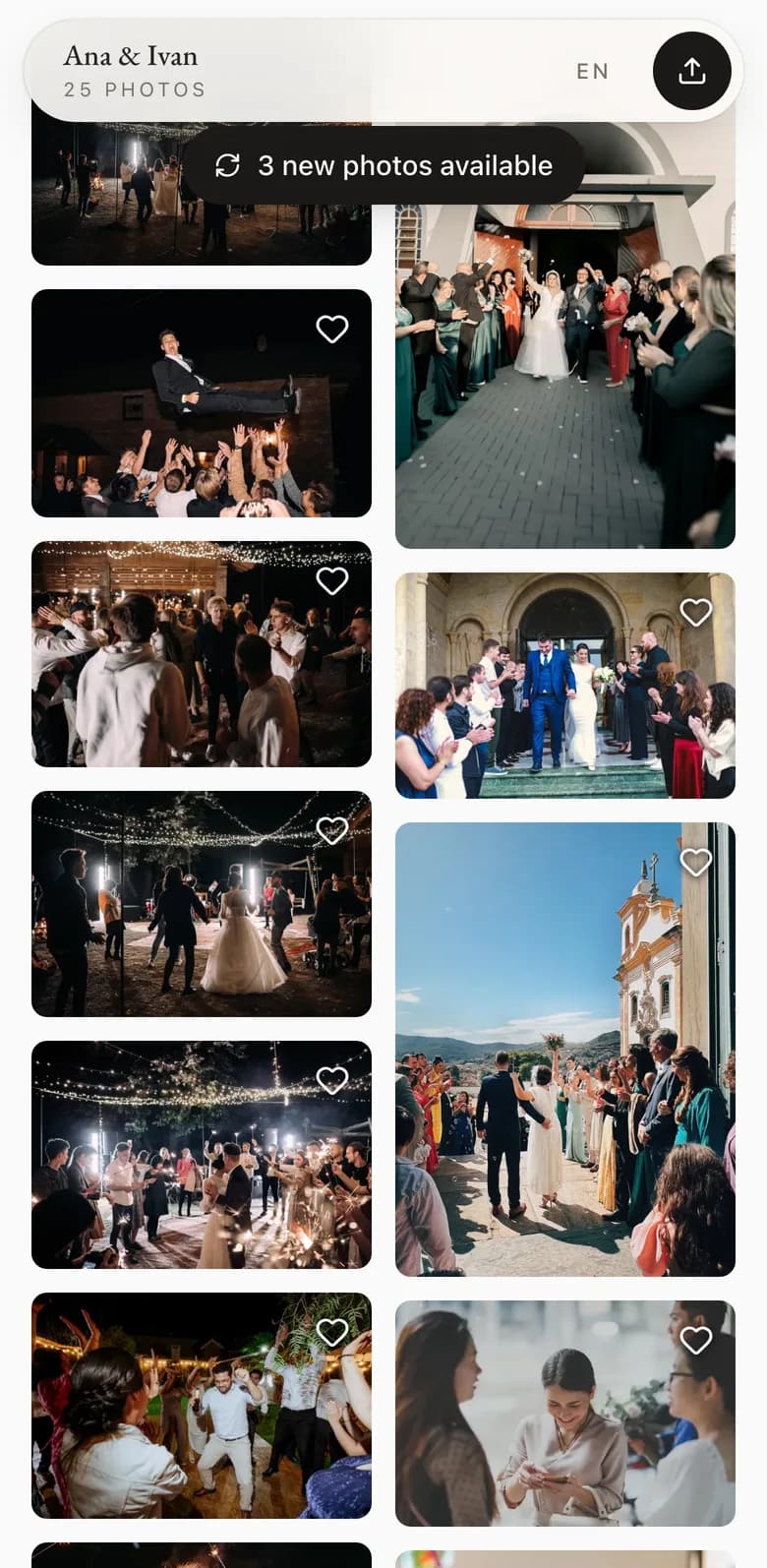
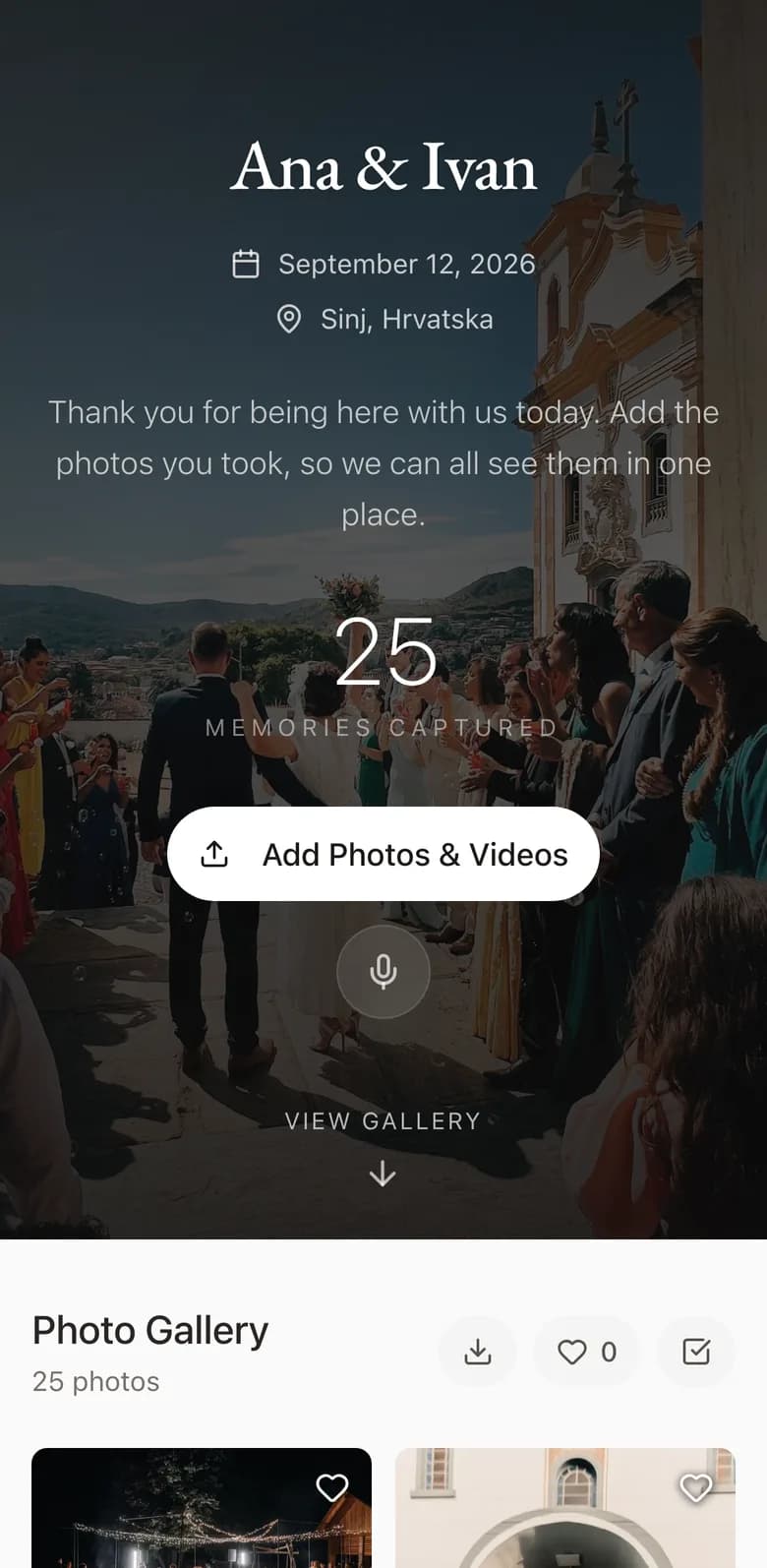
A real Melora gallery, filled by the guests at one wedding. Open it, scroll it, try the viewer. Nothing is locked.
Built for one day that matters
Every part of Melora exists because a couple asked for it.
One code, every guest
A QR code you can print for the tables or show on a screen. Guests point a camera at it and they are in.
Nothing to install
No app store, no account, no password for your guests. It opens in the browser they already have.
It fills up as it happens
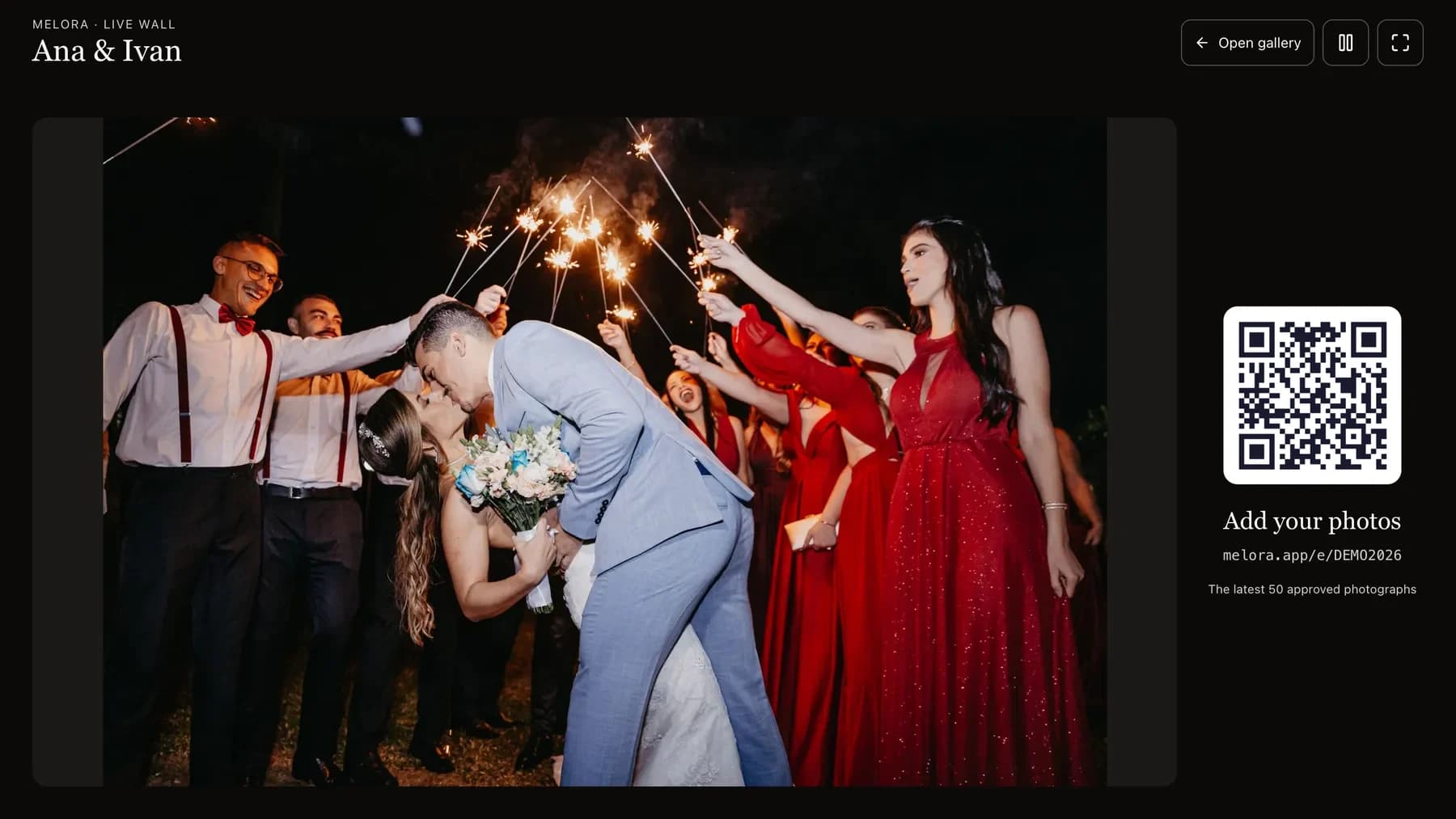
New photos appear without anyone refreshing. Put the gallery on a screen at the venue and let it run all night.
A gallery worth showing off
Photos land in a flowing grid that fits whatever shape they were shot in, with a full-screen viewer built for a phone.
You decide what stays
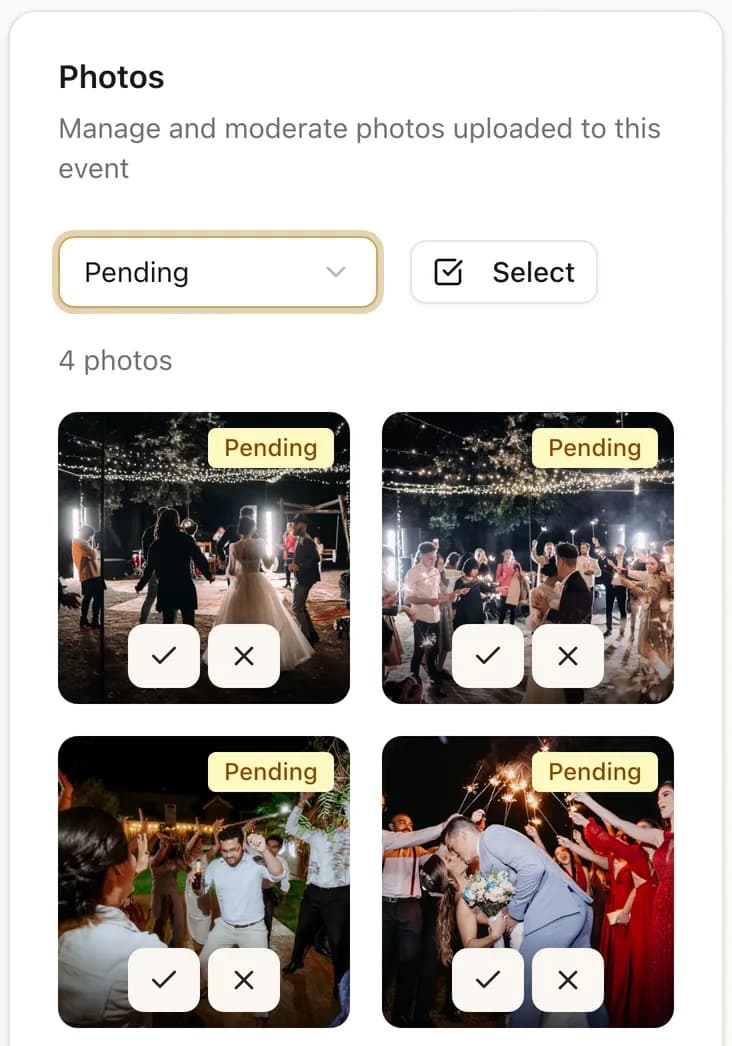
Approve photos before anyone sees them, or let them appear straight away. Remove anything, at any time.
Everything, in one click
Download the whole gallery at full quality, originals included, as a single archive.
Voice notes from the night
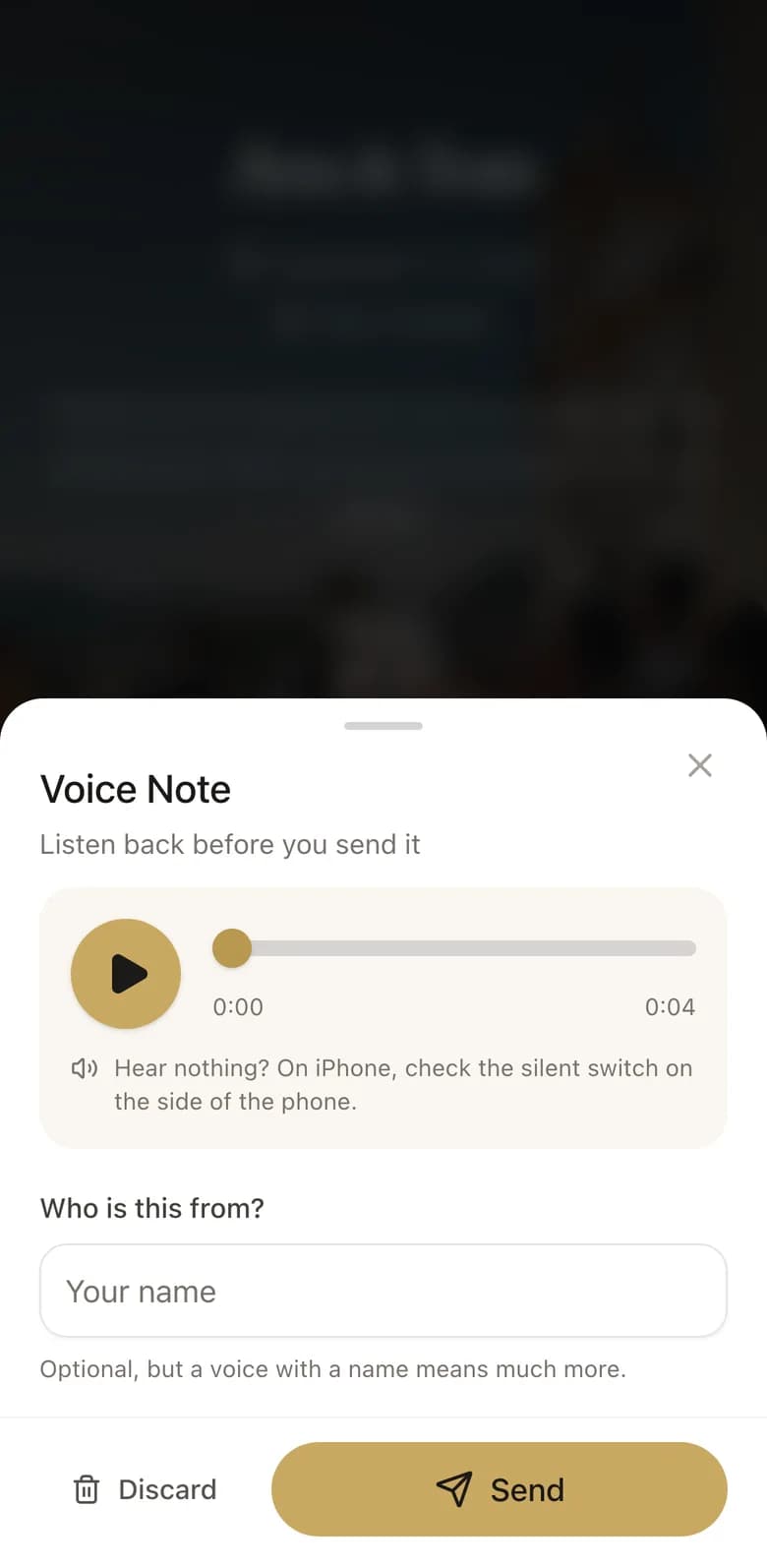
Guests can leave a short spoken message instead of a photo. The ones recorded late tend to be the best ones.
What happens when the upload window closes
Your plan sets how long guests can add to the gallery: 30, 60 or 90 days. When that window closes the only thing that stops is guests uploading. The gallery stays yours to look through and download from, in full quality, for as long as you want it. We never delete it on a timer.
Pricing
Pay once. No subscription.
One payment for one event. Every plan includes video, live uploads, moderation and full-quality downloads.
Included with every paid plan
- Photos and video
- Photos appear as they are taken
- Download everything in one click
- Approve photos before guests see them
Questions couples ask
Do our guests need to install anything?
No. They point their phone camera at the QR code, the gallery opens in the browser, and they can upload straight away. No app, no account, no password.
What happens to the photos when the upload window closes?
Nothing. The window your plan covers is how long guests can add photos. When it ends they stop uploading and everything else carries on: the gallery is still there, still yours, and you can download the lot in full quality whenever you like. We do not delete anything on a timer.
Can we stop something embarrassing from appearing?
Yes. Every paid plan lets you approve photos before guests see them, and you can remove anything at any point. On the Best plan a real person watches the gallery during your event and does it for you.
Can guests upload video?
Yes, on every paid plan. Video counts against your storage, which is why the plans are sized the way they are.
How many guests can upload at once?
There is no cap on guests or on how many photos each one adds. The only limit is the total storage on your plan.
Can we try it before paying?
Yes. The Demo plan is free and never expires. It is limited to 20 MB, which is enough to see exactly how the whole thing behaves.
Your day deserves every photo
The photographer sees one angle. Your guests see all the others.