How to collect wedding photos from guests
What you do before the day, what happens during it, and what you have the morning after. Four steps, no app for guests.
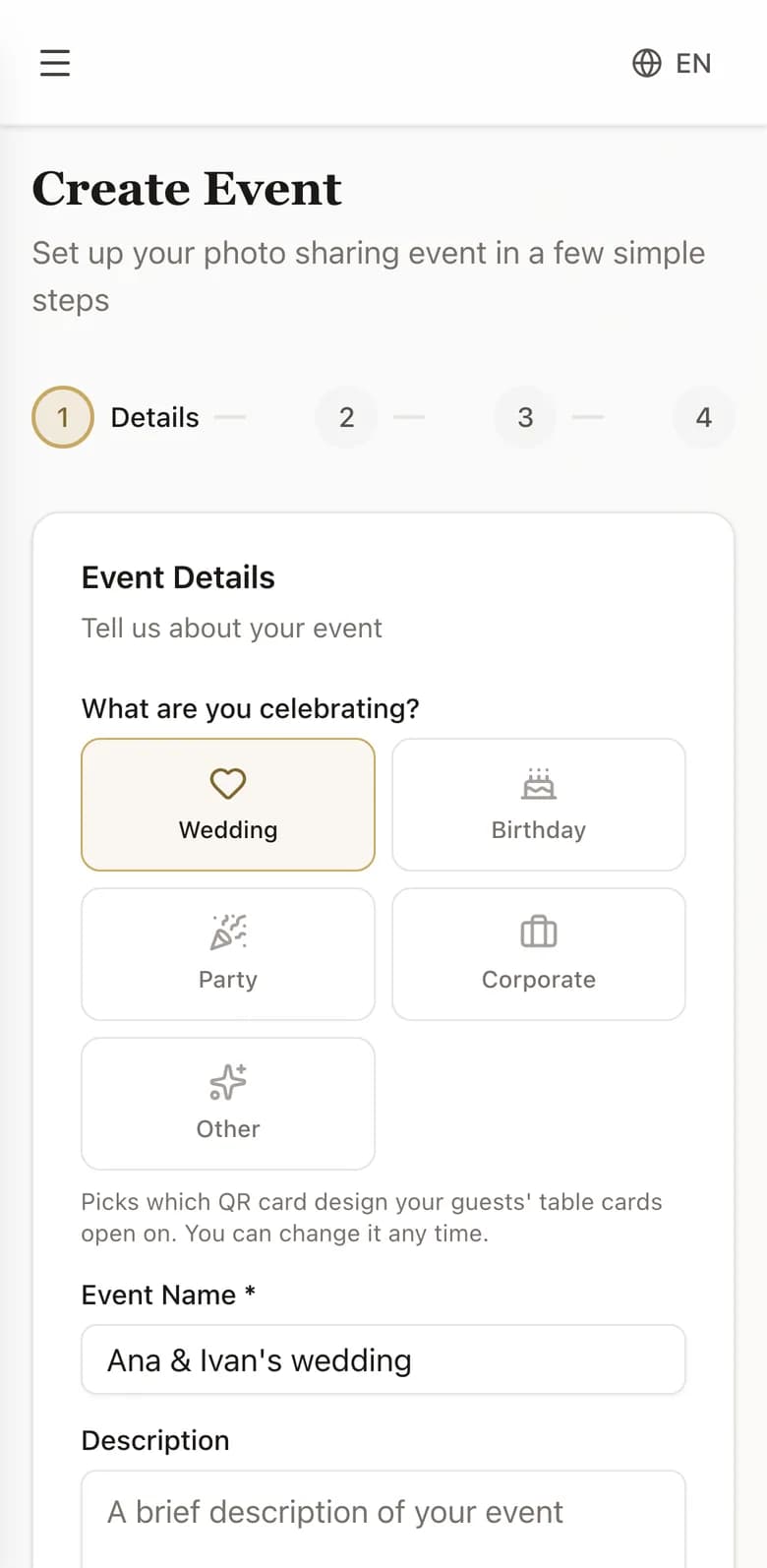
Create your event
Name it, pick the date, choose how long guests can add to it. About two minutes, start to finish.
- Choose a name and a date
- Pick a plan, or start on the free Demo
- Decide whether photos need your approval first
- Your card is ready straight away
Put the QR code out
Print it for the tables, add it to the invitations, or show it on a screen. Guests scan with the camera app they already have.
- Print the card for the tables, or an A4 sheet of four
- Print a poster for the entrance
- Add the code to the invitations
- Or send the link to the group chat
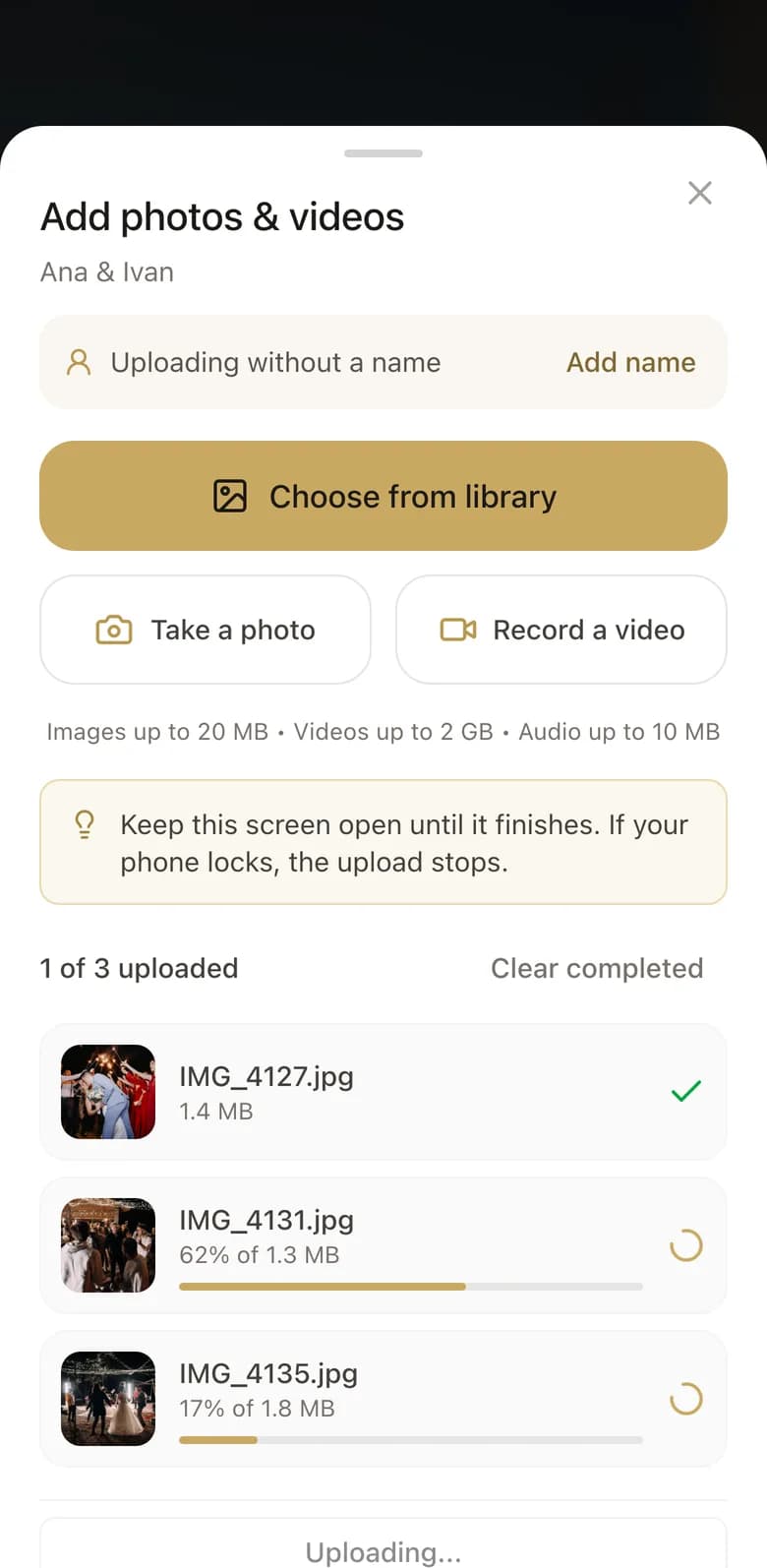
Watch it fill up
Photos and video appear as they are taken. Approve what goes in, then download everything in one click.
- Guests point the camera they already have at it
- Nothing to install, no account, no password
- Photos and video appear as they are taken
- A first name is optional and stays optional
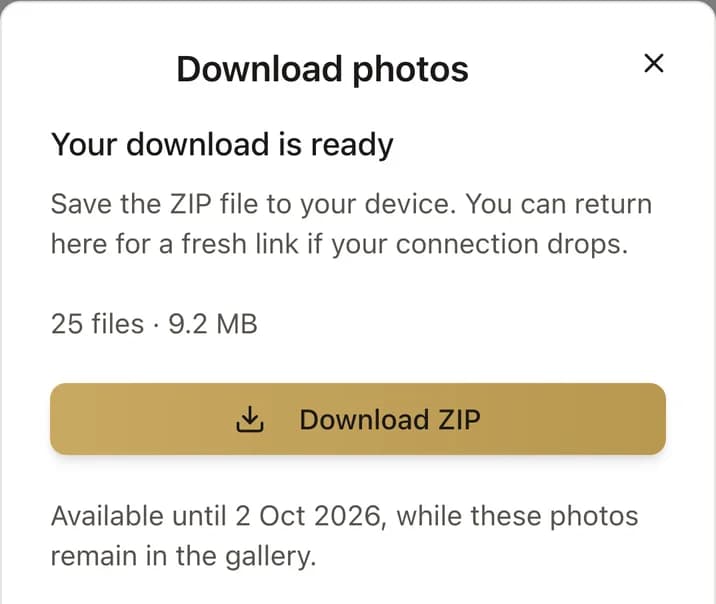
Take it all home
One click gives you every photo and video at full quality, in a single archive.
- Watch photos arrive through the night
- Download the whole gallery in one click
- Pick out favourites to send on
- Come back and download again whenever you like
Your day deserves every photo
The photographer sees one angle. Your guests see all the others.